Key Takeaway: The 2026 JAMB result slip can only be printed through the official e-facility portal using your Registration Number or Email, secured by updated CAPTCHA and OTP verification. Bookmark the correct URL now to avoid phishing sites.
2026 JAMB Result Slip Printing: Official Portal Access & Login Requirements
If you sat for the 2026 Unified Tertiary Matriculation Examination, printing your original result slip is straightforward — but only if you follow the correct authentication steps. JAMB has tightened its online verification protocols this cycle, so guessing your way through login is no longer an option. Here is exactly how to get in and print securely.

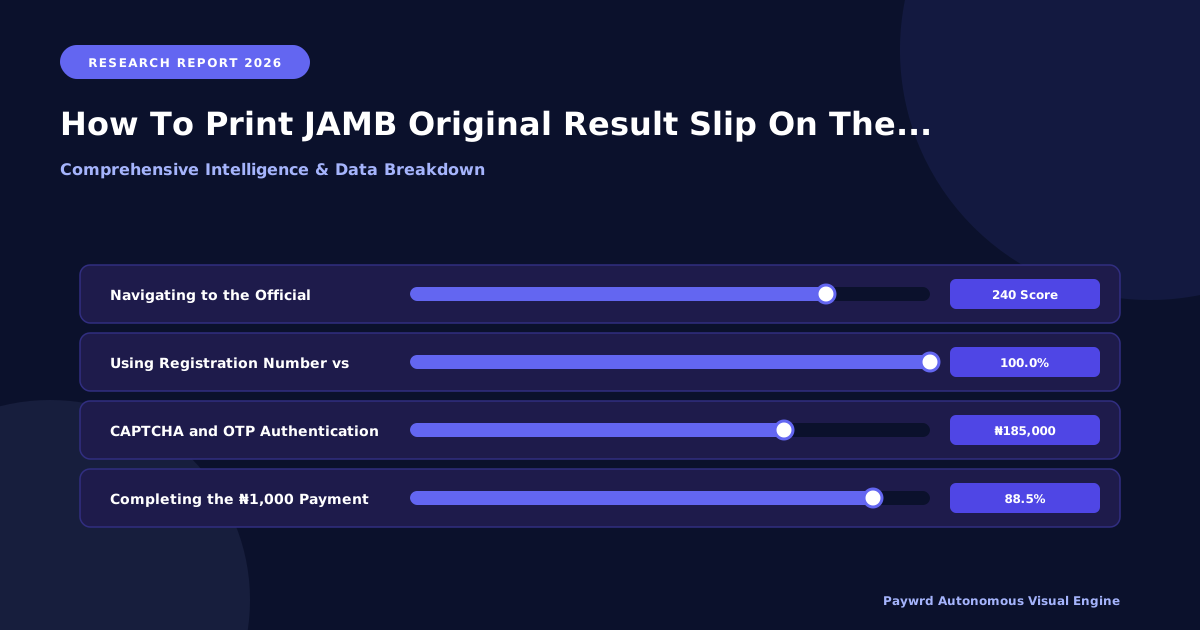
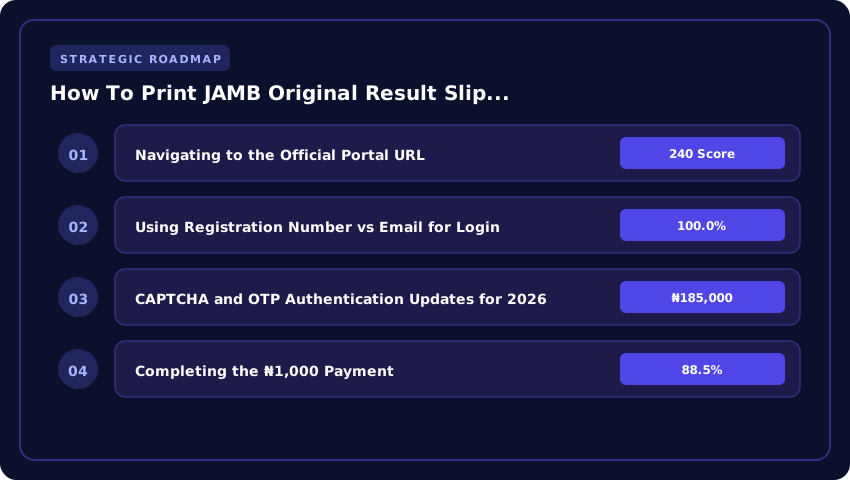
Navigating to the Official Portal URL
Start by visiting the designated e-facility portal at e-facility.jamb.gov.gh. This is the authenticated gateway for 2026 candidates to access result printing services. Always type the URL directly into your browser address bar rather than clicking links from search ads or social media posts. Fake portals mimicking the official site have become increasingly common during result-release periods. Confirm you see the secure connection indicator before entering any personal data. Avoid public Wi-Fi networks when accessing the portal to protect your credentials.
Using Registration Number vs Email for Login
The 2026 session supports two login pathways. You can enter your JAMB Registration Number — the unique ten-digit or alphanumeric identifier assigned during UTME registration — combined with your password. Alternatively, candidates who linked an active email address during registration can use their email credentials to access the same dashboard. If you cannot remember your password, the portal provides a reset option tied to your registered email or SMS line. Choose whichever method you have verified access to, and ensure your Registration Number is entered exactly as it appears on your registration confirmation.
CAPTCHA and OTP Authentication Updates for 2026
This cycle introduces stricter verification layers. After entering your credentials, you will encounter an updated CAPTCHA challenge designed to distinguish human users from automated bots. Solve it accurately to proceed. Following CAPTCHA clearance, the system dispatches a One-Time Password to your registered phone number or email, depending on your preference settings. Enter the OTP within the displayed time window, as it expires quickly. If you do not receive the OTP promptly, confirm your registered contact details are current, or request a resend after a brief interval. These measures ensure that only the registered candidate accesses sensitive examination results.
- Always use the official e-facility.jamb.gov.gh URL — never third-party mirrors.
- Keep your Registration Number, password, and registered phone number accessible before logging in.
- Complete both CAPTCHA and OTP steps to reach the result slip printing interface.
- Print your result slip immediately and save a digital backup for future reference.
Step-by-Step: Generating & Paying for the 2026 Original Result Slip
Now that you are logged into the official JAMB e-facility portal, generating your 2026 original result slip follows a precise sequence. JAMB introduced a mandatory processing fee for this service starting with the 2026 examination cycle, so every candidate must complete payment before the system generates a downloadable document.
Selecting ‘Print Result Slip’ and Confirming Your Exam Type
Once authenticated, navigate to the dashboard and locate the Print Result Slip option on the left-hand menu or under the “Services” dropdown. Click it, and the portal will prompt you to confirm whether your result is for the 2026 UTME (Unified Tertiary Matriculation Examination) or the 2026 Direct Entry (DE) intake. This distinction matters because UTME and DE result slips carry different formatting and institutional routing codes. Double-check your selection — the system will not allow you to proceed without explicitly confirming the exam category tied to your Registration Number.
Completing the ₦1,000 Payment
The 2026 processing fee for generating an original result slip is ₦1,000. After confirming your exam type, the portal redirects you to a secure payment gateway. You have three approved payment channels:
- Remita: Select Remita as your payment processor, enter your card details or bank account information, and authorize the ₦1,000 transaction. You will receive a Remita Retrieval Reference (RRR) upon successful payment.
- Debit/Credit Card: If you prefer direct card payment, enter your Visa or Mastercard details on the secured portal page. JAMB’s 2026 gateway supports real-time bank authorization.
- USSD: For candidates without internet banking, dial the Remita USSD code from your registered mobile number, follow the prompts to pay ₦1,000, and note the transaction reference. Return to the portal and input the reference to link your payment.
After payment, the portal validates your transaction through CAPTCHA and OTP verification before unlocking the download button. Keep your Remita RRR or transaction reference — you may need it for dispute resolution.
Downloading the PDF with the 2026 QR Code Verification Feature
Once payment is confirmed, click Download Result Slip to generate your PDF. The 2026 result slip includes a newly introduced QR code on the bottom-right corner of the document. This QR code encodes your unique JAMB Registration Number, exam year, and a cryptographic hash that JAMB’s verification system can scan to instantly authenticate the slip’s legitimacy. Any institution, screening officer, or JAMB official can verify your result in seconds by scanning this code through the official JAMB verification app or portal module.
Save the PDF to a secure location and print at least two copies. Avoid third-party sites claiming to generate result slips — only the official JAMB e-facility portal produces documents with the valid 2026 QR code and Remita payment trail.
Critical Data Points to Verify on Your 2026 Slip Before Submission
Printing the slip is only half the battle; verifying its integrity is what actually protects your admission. Every year, candidates lose spots in competitive programmes like Medicine, Law, or Engineering at universities such as UNILAG, UI, or ABU because of discrepancies they missed on the physical printout. Do not assume the PDF is flawless — treat it like a legal document because, for CAPS purposes, it is one.
Subject Combination Alignment with 2026 CCMAS Requirements
This is the silent killer of admission hopes. The NUC’s Core Curriculum Minimum Academic Standards (CCMAS) rolled out fully for the 2026/2027 session, and several course subject requirements shifted. Your slip must reflect the exact four subjects mandated for your specific course code in the current JAMB Brochure (IBASS), not what your tutorial centre taught you. If you applied for Computer Science but your slip shows Physics, Chemistry, Biology instead of Physics, Chemistry, Mathematics, the system will auto-reject you during CAPS matching. Cross-reference your printed subjects against the JAMB IBASS portal for 2026 before you walk into any registration centre.
Score Accuracy, DE Points, and Centre Number Integrity
- UTME Score: Confirm the total and individual subject scores match the SMS result you received on exam day. A single digit error — say 284 printed as 248 — changes your merit ranking entirely.
- Direct Entry (DE) Points: If you are a DE candidate (OND, NCE, A’Levels), verify the Grade Points and Institution fields. JAMB CAPS calculates your screening score using these specific values; a missing “Distinction” or wrong “Upper Credit” classification drops your aggregate below the departmental cut-off.
- Centre Number: Ensure the Centre Number on the slip matches your actual CBT centre. Mismatches here flag your record for biometric verification audits, delaying clearance.
QR Code Validation Against JAMB CAPS
The QR code on the bottom right of the 2026 slip is not decorative — it is the cryptographic link to the Central Admission Processing System (CAPS). Use the official JAMB e-Facility mobile app (updated for 2026) or a standard scanner to read it. It must resolve to your live profile on caps.jamb.gov.ng showing “Admission in Progress” or “Recommended.” If the scanner returns a “Record Not Found” error or redirects to a different registration number, your printout is a ghost copy. Report this immediately to the nearest JAMB State Office or Zonal Office for re-issuance before the admission window closes. A valid QR scan is your ultimate proof that the slip in your hand matches the server truth.
Troubleshooting 2026 Portal Errors: ‘No Result Found’ & Payment Reversals
Even with the correct credentials, 2026 JAMB candidates still run into frustrating technical walls when trying to print their result slip. Here is how to diagnose and fix the most common failures on the official portal right now.
Fixing ‘Invalid Registration Number’ for 2026 DE and UTME Converts
If the portal rejects your Registration Number with an ‘Invalid’ error, the issue usually traces back to one of three causes. First, your data may still be processing on JAMB’s server if you recently converted from Direct Entry to UTME or vice versa. The 2026 registration cycle has seen a spike in conversion requests, and server sync delays are common. Second, check that you are entering your number exactly as it appears on your JAMB registration confirmation — no extra spaces, no missing leading zeros. Third, DE converts who paid the 2026 UTME registration fee of ₦5,000 must confirm that their payment was actually reconciled before the portal will recognise their number.
- Clear your browser cache and cookies, then retry on a fresh session.
- Try accessing the portal through the official JAMB website rather than a saved link.
- If the error persists after 48 hours, your registration may need manual reconciliation at a JAMB Zonal Office.
Handling Failed Remita or USSD Deductions Without Slip Generation
Some 2026 candidates report that money was deducted via Remita or USSD — sometimes ₦2,500 for the registration fee or ₦500 for the result slip printing fee — yet no slip was generated. This is a payment gateway timeout, not a cancellation. The funds are typically held in suspense by the processing bank and will reverse to your account within 7 to 14 working days if JAMB does not confirm the transaction.
- Retain your Remita Retrieval Reference (RRR) as proof of payment.
- Log a complaint through the JAMB support portal with your RRR, Registration Number, and a screenshot of the deduction alert.
- Do not attempt to re-pay until the initial transaction status is confirmed — double deductions create longer reconciliation delays.
Contacting JAMB Zonal Offices vs. Support Ticket Timelines for 2026
For persistent 2026 portal errors, you have two official routes. JAMB Zonal Offices handle physical and escalated cases, and you can visit yours with your original registration documents. Expect resolution within 5 to 10 working days depending on your zone. The online support ticket system, accessible through the official JAMB portal, typically responds within 48 to 72 hours for technical issues like result data mismatches. However, ticket volume surges significantly during the 2026 result release period, so submit early and follow up weekly.
- Zonal Office visits are best for registration number corrections and payment reconciliation.
- Support tickets work best for technical errors, CAPTCHA failures, and OTP delivery problems.
- Always reference your 2026 Registration Number in every communication to speed up processing.
Using the 2026 Original Slip for Post-UTME, NELFUND & Clearance
Printing the slip is only half the battle; the real value lies in how smoothly it moves you through the three critical gates ahead: institutional admission screening, federal funding, and final graduation clearance. Treat that PDF as your primary academic identity document for the 2026/2027 session.
Uploading for 2026/2027 Post-UTME Screening Portals
Every university — from UNILAG to FUTO — now mandates upload of the original JAMB result slip (PDF) during their online screening registration. Do not upload a screenshot or a scanned photocopy; admission officers run automated verification scripts against the JAMB CAPS database using the QR code and registration number embedded in the official PDF. Ensure your file meets standard specs: maximum 500KB–1MB, PDF format only, A4 orientation, 200–300 DPI. If the portal rejects it, re-download directly from the e-facility portal rather than compressing a blurry scan — compression often corrupts the QR code, triggering a “Result Not Found” error on the school’s backend.
Linking JAMB Registration Number to NELFUND Student Loan Application 2026
The Nigerian Education Loan Fund (NELFUND) portal requires your exact JAMB Registration Number to validate identity and admission status before disbursing the ₦120,000 annual tuition loan (plus upkeep). During the 2026 application cycle on nelf.gov.ng, the system cross-references your JAMB Reg Number with the matriculation list uploaded by your institution. A mismatch — even a single digit transposed from a poorly printed slip — flags your application for manual review, delaying payment past the semester deadline. Pro tip: copy the registration number directly from the downloaded PDF (Ctrl+C) into the NELFUND form field to eliminate transcription errors.
Presenting Physical Copy for NYSC Mobilization & Institutional Clearance
Fast-forward to your final year: the Directorate of Student Affairs will demand the original colored printout during NYSC mobilization clearance. They verify the JAMB Director’s signature stamp and the institution’s admission stamp on the slip against the Senate-approved list. Laminate it immediately after printing; heat and humidity in hostels fade ink fast. For institutional clearance (collecting transcripts or convocation gown), registrars still request the physical slip to confirm your entry qualification matches the graduating class list. Keep the original in a waterproof folder — losing it means applying for a JAMB “Attestation of Result” at ₦5,000 plus weeks of processing, a headache you avoid by safeguarding this single sheet today.
- PDF Specs: ≤1MB, 300 DPI, QR code intact.
- NELFUND Key: JAMB Reg Number must match CAPS exactly.
- Archive Strategy: One laminated original + cloud backup (Google Drive/OneDrive) labeled “JAMB_2026_Original_Slip_[RegNo]”.
FAQs: 2026 JAMB Result Slip Validity, Reprinting Limits & Colour vs BW
Does the 2026 Result Slip Expire Before the 2027 Admission Cycle Closes?
This is one of the most common anxieties among 2026 JAMB candidates, especially those who may not gain admission in the first round. Here is the official position: your 2026 JAMB result slip does not carry a hard expiration date on the document itself. However, JAMB uses a policy framework where your UTME score remains valid for the admission cycle in which you wrote the examination. For the 2026 candidates, this means your result is primarily tied to the 2026/2027 academic admission cycle managed through JAMB CAPS. In practical terms, your result will be recognised for first-round admissions and any subsequent supplementary rounds that the Joint Admissions and Matriculation Board announces within the 2026/2027 cycle. If you are considering applying in the 2027 admission cycle, you should confirm directly with JAMB or the specific institution, because some universities and polytechnics may require candidates to sit the examination again. Do not assume automatic carryover into 2027 without verification.
Maximum Reprint Attempts Allowed on the E-Facility Portal
JAMB has not publicly published a rigid numerical cap on how many times you can reprint your result slip from the official e-facility portal. That said, the system is designed to allow multiple reprints as long as your registration details remain valid and your CAPTCHA and OTP authentications pass successfully. In practice, candidates have reported being able to reprint their slips several times across different devices and browsers without issues. The real risk is not hitting a reprint limit but running into technical failures caused by outdated browser cache, incorrect portal URLs, or expired session tokens. To stay safe, always clear your cache, use a stable internet connection, and bookmark only the verified JAMB portal. If you encounter persistent errors, visit an accredited JAMB Computer-Based Test centre near you for assisted printing rather than repeatedly attempting on your own and risking session lockouts.
Is Black & White Print Acceptable for 2026 Post-UTME Verification?
Yes, a Black & White print of your JAMB result slip is generally acceptable for 2026 Post-UTME screening and verification exercises across most Nigerian tertiary institutions. The critical requirement is that the printout must be legible, clearly showing your full name, registration number, subject combinations, total score, and the JAMB logo. However, some highly competitive institutions have been known to request colour printouts during their internal screening processes to confirm the authenticity of the document’s security features, including the gradient background and micro-printing elements. To stay ahead of any institutional variation, print a colour copy if you have access to a colour printer. If you can only manage Black & White, confirm with your target institution’s admissions office before your Post-UTME date. Never submit a faded or photocopied version, as that raises red flags during verification.
| Criteria | Official JAMB E-Facility Portal | Accredited CBT Centres / Cyber Cafes | Unofficial / Phishing Sites |
|---|---|---|---|
| Direct Cost (2026) | ₦1,000 (Service Charge) | ₦1,500 – ₦2,500 (Service + Printing Fee) | Free (Hidden Data Theft Risk) |
| Authentication Method | Reg Number/Email + OTP + CAPTCHA | Operator Assisted Login (Risk of Credential Exposure) | Fake Forms Harvesting Reg Numbers |
| Result Slip Validity | Original, Watermarked, Institution Accepted | Original Printout (If Logged into Official Portal) | Fake/Unverifiable Slips (Rejected by Schools) |
| Data Privacy (2026 Protocol) | End-to-End Encryption, Zero Third-Party Access | Moderate Risk (Operator Views Dashboard) | Critical Risk (Identity Theft, Fraud) |
| Support & Dispute Resolution | Direct JAMB Support Ticket System | Dependent on Centre Reliability | None (Anonymous Operators) |
Frequently Asked Questions
How much does it cost to print JAMB original result slip 2026?
Printing the 2026 JAMB original result slip on the official e-facility portal costs a mandatory ₦1,000 service charge payable via Remita or card. Accredited CBT centres typically charge ₦1,500–₦2,500 inclusive of printing fees. Avoid sites demanding higher fees or subscriptions.
What is the official website to print JAMB result slip 2026?
The only authorized URL for 2026 JAMB result slip printing is the JAMB E-Facility portal at efacility.jamb.gov.ng. Candidates must log in using their registered email address or registration number, complete the CAPTCHA, and verify via OTP sent to their registered phone number or email.
Can I print my 2026 JAMB result slip without registration number?
Yes, you can print the 2026 JAMB result slip using your registered email address instead of the registration number on the e-facility portal. If both are forgotten, visit an accredited JAMB CBT centre for biometric verification and retrieval service before attempting online printing.
Is the JAMB result slip printed online original for 2026 admission?
Yes, the slip printed from the official efacility.jamb.gov.ng portal in 2026 is the original result slip. It carries a unique QR code, watermark, and candidate photograph. Institutions verify authenticity via the JAMB Central Admission Processing System (CAPS); coloured printouts are recommended for clarity.
Why is my JAMB 2026 result slip not showing on the portal?
If your 2026 JAMB result slip is missing, confirm you are checking the correct exam year (2026 UTME/DE). Results may be withheld pending investigation or require a 'Print Result Slip' payment confirmation. Clear browser cache, ensure OTP is entered within 10 minutes, or contact JAMB support via the portal ticket system.
Strategic Final Takeaway
When evaluating How To Print JAMB Original Result Slip On The Official JAMB Portal 2026 in 2026 and beyond, base your decisions on accredited institutional standards, verified return on investment (ROI), and up-to-date official guidelines. Always verify specific dates and requirements through official regulatory portals.